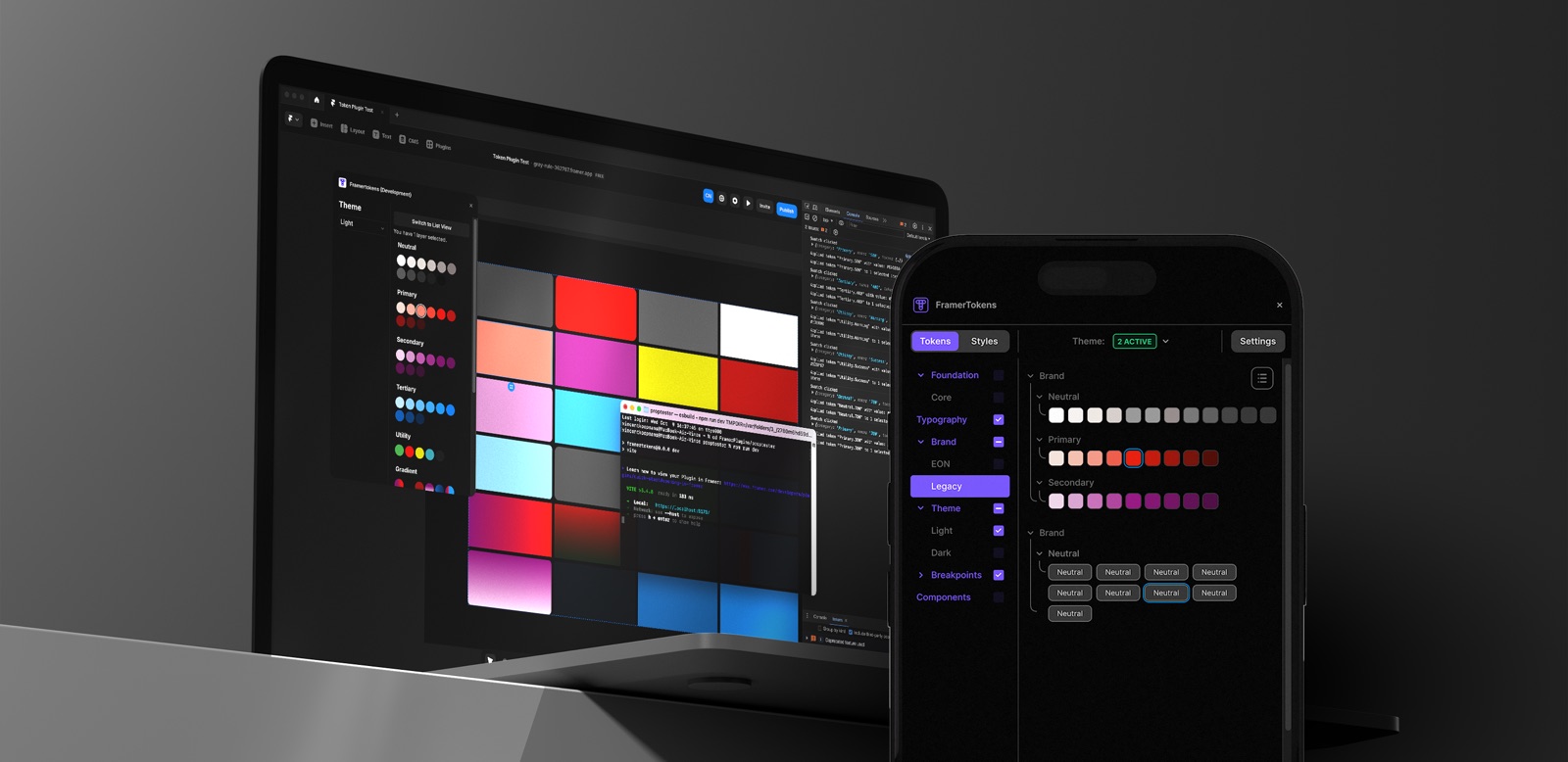
Connect a token repo, browse the sets, and apply values to selected canvas layers, or map them onto Framer variable collections.
What you are looking at
A Framer plugin that reads Tokens Studio JSON from GitHub and surfaces color, typography, and shadow tokens in a compact panel.
Authenticate with GitHub and point at a token repository
Parse token sets and theme metadata from <code>$themes.json</code>
Apply token values to selected Framer layers
Create or update Framer variable collections from token structure
How it works
Inside Framer
Install the plugin from the repo and open it on a Framer project. Connect your GitHub account and select the repository that holds your Tokens Studio export.
Token browser
Lists color, typography, and shadow tokens from the repo
Respects theme modes defined in $themes.json
Shows resolved values with metadata for traceability
Apply to canvas
Select one or more layers, pick a token, apply
Map token groups onto Framer variable collections
Updates propagate when token values change in the repo
This page
This page shows the plugin in a device mockup. The live token browsing and apply run inside Framer: install it from the repo to use it on a real project.